
LLM Data Security: ChatGPT vs Copilot vs Claude Data Risks
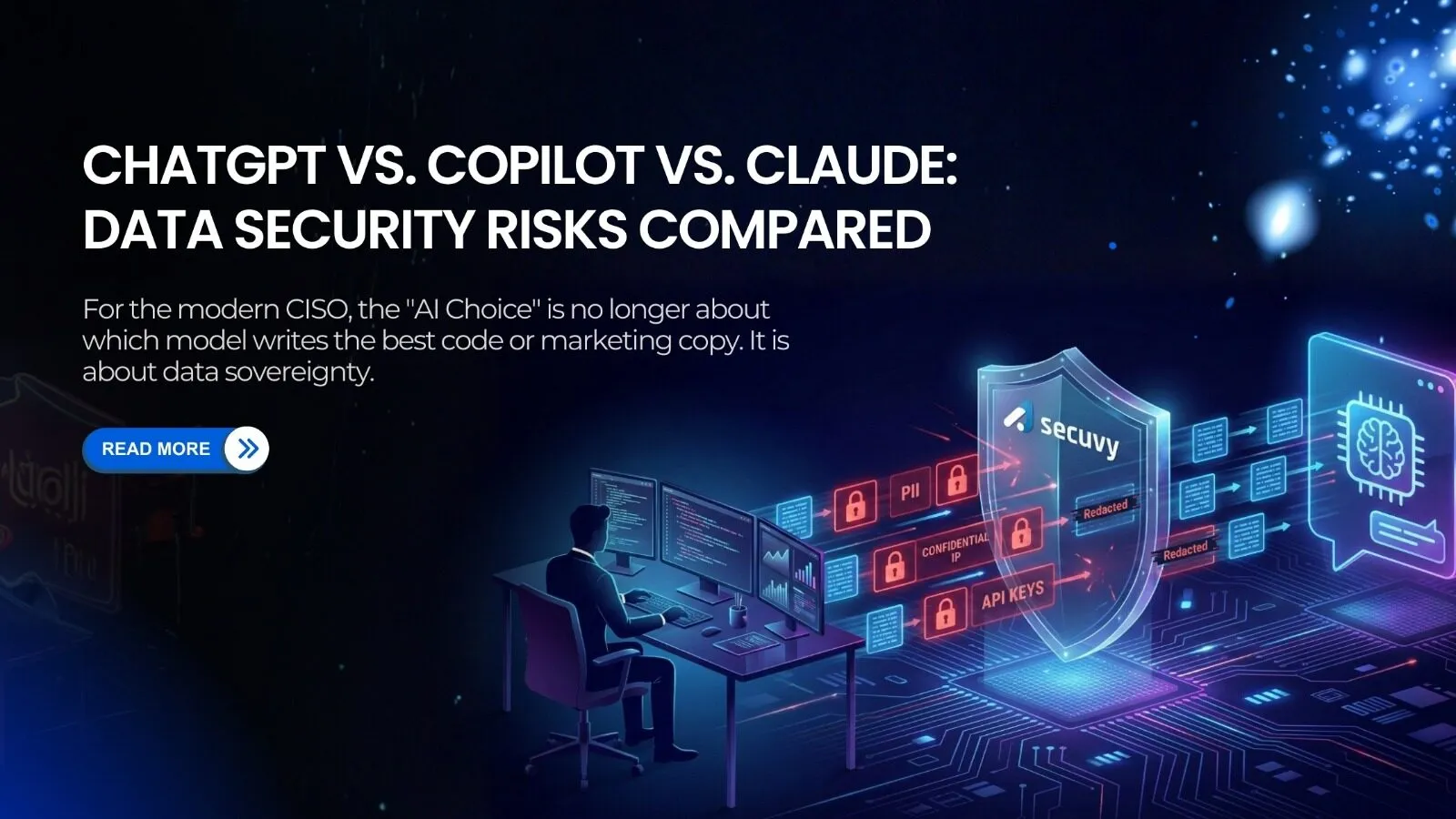
If you believe ChatGPT Enterprise, Microsoft Copilot, and Claude are secure for enterprise use, consider these uncomfortable facts:
- ChatGPT has already suffered a bug that exposed users’ conversation histories, leading individuals to post screenshots of chats that were not theirs across social media.
- Microsoft Copilot accesses an average of three million sensitive data records per organization.
- Claude can be manipulated to exfiltrate information from its context window, including prompts, integrated files, and MCP data, to external parties.
These facts mean ChatGPT, Microsoft Copilot, and Claude pose immediate operational risks to sensitive data within organizations. They can inadvertently expose confidential contracts, source code, and internal project data due to legacy permissions and vulnerabilities.
The combined effect of these AI tools creates multiple pathways for sensitive information to escape from secure enterprise systems into unregulated AI environments, bypassing standard security measures.
So in this blog, we will break down exactly how each major LLM handles your sensitive data, the hidden risks most security leaders miss, and why you need a single governance layer to survive the Multi-LLM era.
1. How Each LLM Handles Enterprise Data
All three vendors have adopted a “we don’t train on your data” model for their paid enterprise tiers. However, the architectural differences create distinct security implications:
ChatGPT Enterprise (OpenAI)
- The Promise: OpenAI explicitly states that inputs and outputs are not used for model training for Enterprise and Team plans.
- The Architecture: It functions as an isolated SaaS platform, where data is encrypted at rest (AES-256) and in transit (TLS 1.2+).
- The Risk: It has “no visibility” into your internal Access Control Lists (ACLs). If a user pastes a confidential HR document into the chat, ChatGPT accepts it blindly. There is no “permission trimming,” which means if the user has access to the file, ChatGPT accepts it regardless of whether that access was appropriate.
Microsoft Copilot for M365
- The Promise: Inherits your existing Microsoft 365 security, compliance, and privacy policies. It does not train on tenant data.
- The Architecture: It uses the Microsoft Graph to ground answers in your data. It respects existing ACLs (a user can’t ask about a file they don’t have permission to view).
- The Risk: “Oversharing.” Copilot is extremely good at finding data that is technically accessible but shouldn’t be discoverable. If your SharePoint permissions are messy (e.g., “Everyone” has access to a sensitive folder), Copilot will happily surface that sensitivity to anyone who asks.
Claude Enterprise (Anthropic)
- The Promise: Focuses heavily on “Constitutional AI” and safety. Enterprise data is not used for training.
- The Architecture: Known for its massive context window (200k+ tokens), allowing users to upload entire codebases, legal document sets, or comprehensive research libraries in a single interaction.
- The Risk: “Data Retention Volume.” Because Claude is designed to handle massive file uploads (entire books, complete repositories, comprehensive contract sets), the volume of sensitive data temporarily stored in the processing context significantly exceeds typical chat interactions. A single session might contain your entire codebase or complete customer database.
2. Common Security Assumptions That Are Wrong
Most enterprises operate under false assumptions when evaluating LLM data governance.
- Assumption: “If they don’t train on our data, we are safe.”
- Reality: Training is not the only risk. The greater risk is Data Leakage. When an employee pastes a customer list into an LLM to “format it,” that personally identifiable information has left your secure perimeter and entered a third-party processor’s infrastructure. This may constitute a GDPR violation (unauthorized transfer to a third-party processor), a CCPA violation (sale or sharing of personal information), or a breach of contractual data protection obligations, regardless of whether the model “learned” from it or not.
- Assumption: “Microsoft Copilot is safe because data stays in our tenant.”
- Reality: Copilot functions as a magnifying glass for accumulated permission debt and misconfigured access controls.
It makes it effortless for insiders to discover sensitive internal data they didn’t know existed and weren’t intended to access. It transforms “security through obscurity” (sensitive data hidden in forgotten folders) into “security through transparency” (sensitive data surfaced through natural language queries).
For organizations with years of SharePoint permissions accumulated through mergers, reorganizations, and employee turnover, this can expose confidential data at scale.
3. Where Sensitive Data Gets Stored or Logged
Even if the model doesn’t “learn,” the data still has to go somewhere to be processed.
- Prompt Logging and Chat History: Most Enterprise plans retain conversation history for user convenience, enabling employees to continue previous conversations and search past interactions. This creates a massive, searchable database of corporate secrets.
If an employee account is compromised, the attacker gains access to a searchable archive of every sensitive document, credential, strategy discussion, or customer detail that employee ever shared with the AI.
- The “Context Window” Cache: To maintain conversation continuity, LLMs cache recent chat history in active memory. While this data is transient and typically cleared after the session, it exists in the vendor’s infrastructure during processing.
For Claude’s extended context window, this can mean hundreds of thousands of tokens (potentially millions of words) of your proprietary data residing in active memory simultaneously.
- Third-Party Plugins: If you enable plugins (e.g., connecting ChatGPT to Jira or Canva), data flows through the LLM to another third party, often breaking the original “Enterprise” security promise.
4. One Governance Layer Across All LLMs
You cannot manage three different “Admin Consoles” for ChatGPT, Copilot, and Claude. You need a unified AI Firewall that governs the input regardless of the destination.
This is the Secuvy approach.
- Unified Policy: Define “No PII” or “No Source Code” rules once. Enforce them across ChatGPT, Copilot, and Claude simultaneously.
- The Firewall: Secuvy intercepts the prompt before it leaves the browser.
- Shadow AI Visibility: Secuvy sees every AI tool your employees use, giving you visibility into the “Shadow AI” usage on personal devices.
Conclusion
Instead of pattern matching for keywords, Secuvy understands semantic context. The battle for LLM data security isn’t about choosing the “safest” chatbot. It’s about securing the data before it enters the chat. Don’t rely on the vendor’s promise; rely on your own controls.
Schedule a Demo to see how Secuvy unifies governance across your Multi-LLM estate!