
For US Enterprises: How to Protect Data across ChatGPT Enterprise in 2026 (With Examples)
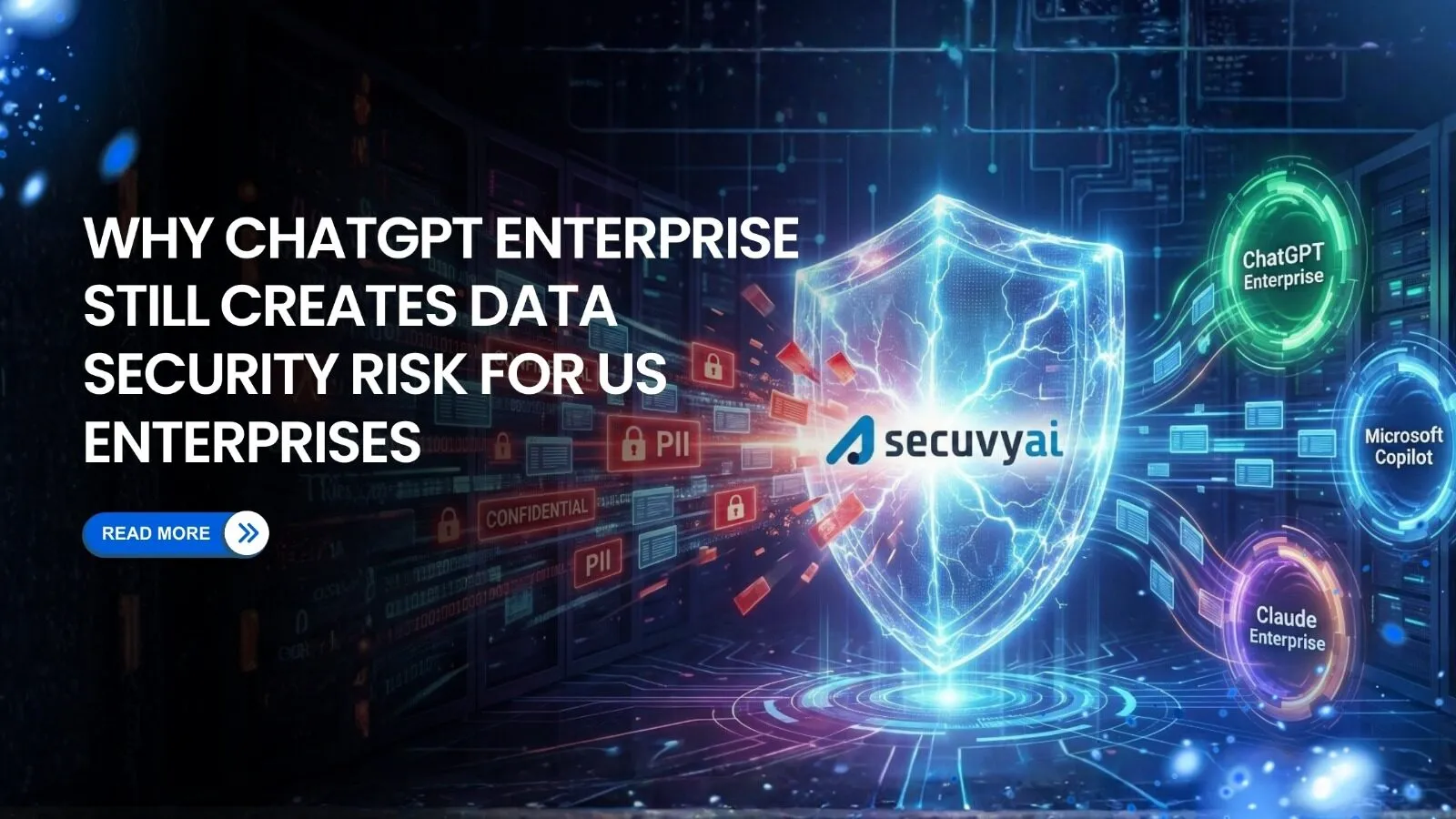
Did you know that Samsung banned ChatGPT & the use of Gen-AI company-wide in 2023?
This decision was undertaken as an internal security incident where employees accidentally leaked sensitive, confidential, and proprietary code to ChatGPT on at least three separate occasions.
Here’s the part that should terrify you: Samsung has world-class security, strong enterprise DLP (Data Loss Prevention), trained engineers, and it still happened.
If your teams are using ChatGPT or other AI enterprise right now, the same risk exists in your environment. Not because ChatGPT’s infrastructure is weak; it’s actually quite good. The problem is the unclassified, unlabeled, and unmonitored data flowing into it every day.
If you’re a CISO, Compliance VP, or Data Governance Lead, this blog will show you exactly where the gaps are-and how to close them without blocking AI adoption.
What ChatGPT Enterprise Actually Protects (And What It Doesn’t)
Undoubtedly, OpenAI has built solid infrastructure-level protections for ChatGPT Enterprise:
- Encryption: TLS 1.2+ in transit and AES-256 at rest.
- Zero Retention: Zero Data Retention (ZDR) on API calls (when configured).
- Access Control: SSO and Enterprise-grade RBAC.
- Compliance: SOC 2 Type II certified.
These controls protect data after it reaches OpenAI’s systems. If you trust the platform itself, your data won’t be used for model training.
What ChatGPT Enterprise Doesn’t Protect
Here’s the gap: ChatGPT Enterprise has no idea what’s sensitive until you tell it.
It doesn’t automatically know that:
- A 16-digit string is a credit card number (PCI violation)
- A pasted document contains CUI or ITAR-controlled data (CMMC violation)
- An Excel file includes PHI (HIPAA violation)
- A Slack thread contains M&A negotiations or board discussions (insider risk)
ChatGPT doesn’t classify. It consumes.
And without upstream data classification, your employees are making split-second judgment calls about what’s safe to share.
And they’re getting it wrong. Cyberhaven research states that companies with 100,000 employees enter confidential data into ChatGPT nearly 200 times in a week.
How Sensitive Data Enters ChatGPT Prompts in Real Workflows
Let’s talk about how leaks actually happen.
Scenario 1:
A product manager is preparing a board deck. She copies the entire Q4 revenue slide (including unreleased customer names, deal rates, unannounced partnerships) into ChatGPT and asks: “Summarize this in 3 bullet points.”
What just happened?
- Board-confidential financial data entered a third-party LLM
- Even with ZDR, the data traveled outside your network perimeter
- No DLP policy flagged it because it didn’t match a regex pattern
The Risk:
If this company is publicly traded, she has potentially created a Reg FD violation. If it’s in M&A talks, she has exposed negotiation data. If it’s a federal contractor, she has possibly leaked CUI.
And nobody knows it happened.
Scenario 2:
A software engineer is debugging an API. He pastes a code snippet into ChatGPT with the prompt: “Why is this code throwing a 403 error?”
What just happened?
- The code snippet contained internal service URLs
- Hardcoded API keys to your production payment processor
- Customer authentication logic
- IP and production credentials left the organization
Real-world impact:
This exact scenario forced Samsung to issue a company-wide GenAI ban after engineers pasted proprietary semiconductor code into ChatGPT.
Scenario 3:
A legal ops analyst is managing 47 vendor contracts. To speed up the review, she uploads a signed NDA between your company and a Fortune 500 partner to ChatGPT, asking:
“Extract the key obligations and flag any unusual clauses.“
What just happened?
- Confidential legal terms, party names, and deal structure entered ChatGPT
- If the partner learns about this, they could claim breach of contract/confidentiality
- Microsoft Purview labels didn’t follow the file because ChatGPT is outside M365
The Compliance Angle:
If it’s subject to CMMC, ITAR, or HIPAA, this kind of ad-hoc document sharing can trigger audit findings or certification delays.
The Common Thread
In all three cases:
- The user didn’t realize the data was sensitive (or didn’t know how to check)
- Native controls didn’t stop it (no labels, no rules matched)
- Security found out days or weeks later (if at all)
This isn’t a training problem. It’s an architecture problem.
Why Manual Labels and Native Controls Don’t Scale
You might be thinking: “We’ll just label everything and train users better.”
Here’s why that strategy won’t work.
Problem 1: Manual Labels Don’t Keep Up with AI Velocity
ChatGPT enables employees to create, remix, and share data at 10x speed. A single prompt can combine:
- A customer support ticket (PII)
- A Slack thread (internal strategy)]
- A financial spreadsheet (regulated data)
Even if the original files were labeled, the newly created composite document isn’t. Microsoft Purview and sensitivity labels are reactive, not predictive. They label what exists, not what’s about to be created and pasted into an LLM.
Problem 2: Microsoft Purview Only Works Inside Microsoft
Purview is excellent within the M365 ecosystem. But it doesn’t control:
- Browser-based ChatGPT sessions
- OpenAI API calls from custom apps
- Data copied from Slack, Google Drive, Notion, or Salesforce
As a result, users bypass controls without realizing it.
Problem 3: DLP Rules Are Built for the Old World
Traditional DLP tools rely on regex patterns and keyword matching. They’re excellent at catching:
- Social Security Numbers
- Credit card numbers
- Exact PII fields
But they miss the hard stuff:
- Proprietary product roadmaps
- Legal strategy documents
- Engineering IP (CAD files, architecture diagrams)
- Executive communications (board decks, M&A plans)
Why? Because there’s no regex pattern for “this document contains competitive intelligence”.
Problem 4: Blocking ChatGPT Just Pushes Users to Shadow AI
Blocking ChatGPT at the network level will only lead employees to use:
- Claude, Gemini, Perplexity, or 50 other LLMs
- Personal devices on home networks
- Shadow AI tools IT team doesn’t even know exist
Gartner predicts 75% of enterprises will face disruptions from shadow IT and shadow data by 2025. Generative AI is accelerating this trend.
You can’t block your way out of this. You need a fundamentally different approach.
The Solution: Real-Time AI Data Security with Secuvy
Here’s what modern AI data governance actually looks like.
1. Classification Before the Prompt-Not After
Instead of scanning for breaches after they happen, you need to know what’s sensitive before it moves.
How Secuvy Works:
- Self-learning AI scans your data stores (Cloud, SaaS, On-Prem)
- Automatically classifies sensitive content, no manual labels or regex rules required
- Achieves 99.9% accuracy on unstructured data (board decks, contracts, product docs)
Result: You know what’s sensitive before an employee copies it into ChatGPT.
2. Real-Time Interception at the Prompt Layer
Secuvy uses a Model Context Protocol (MCP)-based architecture to sit between your users and any LLM (ChatGPT, Copilot, Claude, internal RAG apps).
What happens when a user pastes sensitive data:
- Secuvy detects the content in real time (before it reaches OpenAI)
- Policy enforcement: Block, warn, redact, or allow based on data classification
- Audit logging: Every prompt and decision is recorded for compliance
Example user experience:
- User pastes a board deck into ChatGPT
- Secuvy replies: *“This contains Board-Restricted financial data. Here’s a safe summary instead.”*
- User stays productive, keeping sensitive data safe.
3. Cross-LLM Policy Enforcement
Unlike Microsoft Purview (M365 only) or ChatGPT’s settings (OpenAI only), Secuvy enforces one unified policy across all GenAI surfaces:
- Microsoft Copilot (Word, Excel, Teams)
- ChatGPT Enterprise and API
- Google Gemini, Anropic Claude
- Internal LLM and RAG applications
- Backend AI workflows (data pipelines, training jobs)
Define your policy once, then enforce it everywhere.
4. Audit-Ready Evidence for Compliance
Security, privacy, and audit teams get continuous visibility into how AI interacts with sensitive data:
- Top risky prompts (by user, department, data type)
- Policy violations and near-misses
- AI usage is mapped directly to NIST AI RMF controls
This is critical for:
- CMMC Level 2+ (CUI in LLMs)
- HIPAA (PHI in AI workflows)
- GDPR/CPRA (PII in prompts and responses)
- SOC 2 audits (data governance over AI systems)
Why Traditional DSPM Tools Can’t Solve This
You might already have Varonis, BigID, or Microsoft Purview. Here’s why they’re not enough for AI governance.
| Capability | Legacy DSPM (Varonis, BigID) | Secuvy AI Data Security |
| Scope | Static data at rest | Data at rest + data in motion (prompts) |
| Scanning Approach | Post-event scanning | Real-time interception |
| Deployment Speed | 2-4 months | Under an hour (agentless MCP) |
| Classification Method | Regex & keyword rules | Unsupervised Context AI |
| AI Coverage | Browser-only or M365-only | All GenAI apps (web + API) |
| Maintenance | High manual tuning | Self-learning, autopilot |
Legacy tools tell you what leaked yesterday. But Secuvy stops the leak before it happens.
The question isn’t whether to adopt AI. It’s whether you’ll secure it before the breach.
Ready to see how Secuvy prevents prompt-level leaks in real time?
Schedule a demo and protect ChatGPT Enterprise, Copilot, and every other LLM with one unified policy layer.